
 Stone Cutting Machines
 Stone Polishing Machines
 Bridge Saw Machines
 CNC Stone Wire Saw Machine
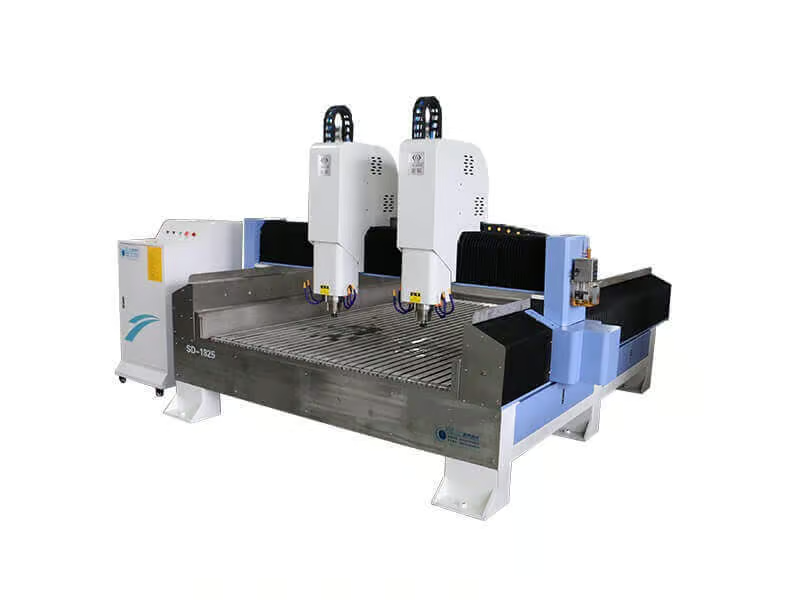 Stone Engraving Machines
 Stone Veneer Saw
 Stone Quarry Machines
 Stone Band Saw Machines
 Stone Edging Beveling Machine
 Other Stone Machines
 Stone Diamond Tools
 Stone Slab Cutting
 Stone Slab Surface Edge Polishing
 Stone Block Slicing
 Stone Quarry Mining
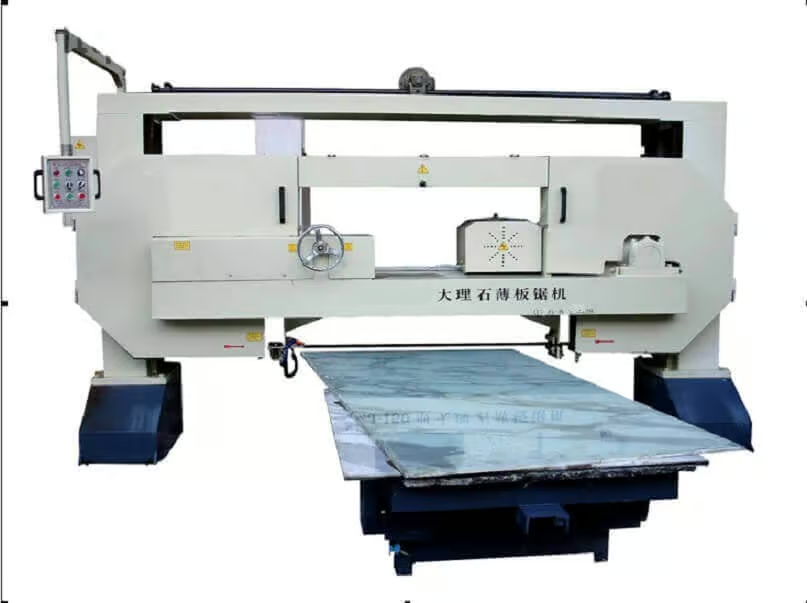 Stone Horizontal Splitting
 Stone Engraving Applications
 CNC Stone Cutting
 Countertop Cutting Polishing
 Other Applications
In the high-end stone fabrication industry, materials are your biggest expense. When you are processing premium Calacatta marble, exotic quartzites, or large-format Sintered Stone (like Dekton), a single jumbo slab can cost thousands of dollars. Relying on manual measuring tapes and guesswork to layout your cuts is no longer just inefficient—it is an incredibly expensive gamble.
According to best practices recognized by the International Surface Fabricators Association (ISFA), minimizing material waste is the fastest route to increasing a factory’s profit margin. Enter the Overhead Camera Layout System. This revolutionary technology, integrated into modern 5-axis CNC bridge saws, acts as a digital “x-ray vision” for your operators, allowing them to squeeze every usable inch out of expensive stone and consistently increase slab yield by up to 20%.


The High Cost of “Blind” Fabrication
Before the advent of camera integration, fabricators relied on physical wooden templates or laser guides. This “blind” cutting method is plagued by inefficiencies that quietly drain a factory’s profitability day after day.

Human Error in Manual Measurement
When an operator uses chalk lines or tape measures to layout a complex kitchen island, human error is inevitable. A miscalculation of just a half-inch can result in a countertop that doesn’t fit the cabinets, turning a $1,500 piece of stone into instant garbage. Furthermore, manual layouts typically leave large, unnecessary gaps between pieces to “play it safe,” wasting valuable square footage.

Hidden Flaws and Unpredictable Veins
Natural stone is beautiful precisely because it is unpredictable. However, that unpredictability includes natural fissures, resin pooling, and ugly dark spots. If an operator blindly cuts a slab without seeing the whole picture, a critical sink cutout might end up right on top of a fragile fissure, causing the entire piece to snap in half during transport or installation.
How the Overhead Camera System Works
The concept is brilliant yet simple: digitize the physical stone so that the CNC software can treat it like a perfect puzzle board. This transforms the operator from a manual laborer into a digital layout artist.

High-Definition Slab Capture
An industrial-grade, high-definition camera is mounted either on the factory ceiling directly above the machine or on a special arm attached to the bridge. Once a slab is loaded onto the worktable, the camera takes a high-resolution photograph. Sophisticated software removes any lens distortion and projects a perfect, 1:1 scale, full-color digital replica of the slab onto the CNC touchscreen.

Digital CAD Nesting
With the slab visible on the screen, the operator imports the exact DXF/CAD files of the customer’s kitchen countertops. Using the touchscreen or a mouse, they can drag, drop, and rotate these digital templates directly over the photograph of the stone. The software prevents overlapping and ensures every piece is nested as tightly as mathematically possible, squeezing maximum yield from the slab.
Avoiding Natural Defects and Fissures
Perhaps the most valuable ROI of a camera system comes from its ability to mitigate risk. By visualizing the stone before cutting, you can completely eliminate the costly rework associated with natural defects.

Visualizing Weak Points
The high-definition photo clearly reveals natural discoloration, large quartz nodes, or dangerous fault lines that might not be obvious when standing right next to the massive slab. By seeing the entire board from a top-down perspective, the operator knows exactly which areas of the stone must be avoided to maintain structural integrity and aesthetic perfection.

Strategic Placement of Cutouts
This is where the magic happens. If there is an ugly dark spot or a major fissure in the center of the slab, the operator doesn’t have to throw that half of the board away. Instead, they drag the digital CAD file of a stovetop or a sink cutout directly over the defect. When the 5-axis CNC cuts the hole, the defect drops perfectly into the trash, leaving the rest of the pristine stone intact for the countertops.
The Art of Seamless Vein Matching
In the luxury interior design market, clients will pay a massive premium for “Vein Matching”—where the natural pattern of the stone flows continuously from one surface to another without interruption.

Waterfall Islands and Backsplashes
Creating a breathtaking “waterfall” edge requires the veins to cascade perfectly from the horizontal countertop down the vertical side panel. With the camera system, the operator can align the digital cut lines exactly along the natural flow of the veins on the screen. When the 5-axis machine executes the 45-degree miter cuts, the two pieces will fold together in a flawless, uninterrupted pattern.

Previewing the Final Product
High-end camera software (like Pegasus or ESA) often includes a 3D rendering feature. Once the operator has arranged the templates over the slab photo, the software can generate a 3D preview of the final assembled kitchen island. You can email this 3D proof to the homeowner or interior designer for approval before the saw blade ever touches the stone, completely eliminating client disputes.
Maximizing Remnants for Extra Profit
To truly increase your yield by 20%, you must stop treating your offcuts (remnants) as trash. The camera system turns irregular, leftover pieces of stone into a highly profitable inventory.

Digitizing Irregular Offcuts
If you have an odd, triangular-shaped piece of expensive quartzite leftover from a previous job, simply place it on the CNC table. The camera photographs it, capturing its exact irregular boundary. You can then instantly nest a small bathroom vanity top or a set of backsplashes directly inside that scrap piece, turning waste into immediate cash flow.

Managing a Remnant Inventory
Advanced factories use the camera system to build a “Digital Remnant Library.” Every time a slab is cut, the leftover piece is photographed and saved in the software’s database with its dimensions. When a small order comes in weeks later, the operator simply browses the digital library, selects the perfect remnant, and sends it to the machine, minimizing the need to cut into a brand-new slab.
Conclusion & Transform Your Factory’s Yield
Upgrading to an overhead camera layout system is no longer a luxury for stone fabricators; it is a competitive necessity. By eliminating blind cuts, avoiding natural defects, mastering vein matching, and monetizing your remnants, you can consistently achieve up to 20% higher slab yield. This translates directly to increased margins, happier clients, and a much healthier bottom line.
Stop Throwing Away Your Profits
Are you ready to maximize every inch of your luxury stone? Discover the power of the MOSCUT 5-Axis CNC Bridge Saw, fully equipped with high-definition camera layout and intelligent nesting software.
Explore the Smart 5-Axis CNC CenterTop 10 FAQ: Camera Systems on Bridge Saws
Have questions about integrating camera layout technology into your workflow? Review the most common questions from fabricators below.
Functionality & Operation
1. Does the camera system require a brightly lit factory?
While good lighting helps, modern industrial cameras are quite sensitive. However, to ensure perfect color reproduction and avoid harsh shadows on the stone, most professional setups include a dedicated LED lighting rig mounted alongside the camera directly over the table.
2. Is the camera photo perfectly accurate to scale?
Yes. During installation, the technician performs a rigorous calibration process using a physical grid on the worktable. The software mathematically removes the “fisheye” lens distortion, ensuring the image on the screen is a 1:1, millimeter-accurate representation of the physical slab.
3. Can the camera see through thick stone dust in the air?
If your factory is extremely dusty, the camera lens will eventually get dirty and the image will become cloudy. It is highly recommended to wipe the camera lens weekly with a microfiber cloth and maintain proper wet-cutting environments to suppress airborne dust.
4. Do I need to buy extra software to use the camera?
When you purchase a premium MOSCUT 5-Axis CNC, the camera hardware and the digital nesting/layout software modules (like ESA or Pegasus) are fully integrated into the machine’s primary control system. No third-party software is usually required.
5. Can the camera system automatically detect the edges of the slab?
Yes, most advanced nesting software includes edge-detection algorithms. Once the photo is taken, the software automatically draws a digital boundary around the perimeter of the slab, preventing you from accidentally programming a cut that falls off the edge of the stone.
Vein Matching & Remnants
6. How exactly does “Vein Matching” work on the screen?
The software allows you to select two adjoining CAD pieces (e.g., the top and the side of an island) and snap them together on the screen. As you drag them across the photograph of the veined slab, you can visually align the pieces so the dark veins flow continuously from one piece to the next before you execute the cut.
7. Does camera nesting work with solid-color Quartz?
Absolutely. While you don’t need to match veins on solid quartz, the camera is incredibly valuable for visualizing the exact shape of irregular quartz offcuts (remnants), allowing you to nest small pieces like backsplashes into the scrap material efficiently.
8. How do I send the CAD files to the machine’s screen?
Your field template technician uses a laser templator to create a DXF file. This file can be saved to a USB drive and plugged directly into the machine, or, if the CNC is connected to your factory’s Wi-Fi network, the office can send the file directly to the machine’s hard drive.
9. Can I print labels with barcodes for the cut pieces?
Yes. Many high-end camera nesting systems support a label printer integration. Once the nesting is complete, the operator can print waterproof stickers with barcodes and job names and place them on the slab before cutting, ensuring pieces never get lost in the factory.
10. Is the camera mounted on the bridge or the ceiling?
It depends on the factory setup. A ceiling-mounted camera provides a full, instant view of the table but requires a high ceiling without obstruction. A bridge-mounted camera takes multiple photos as the bridge moves and stitches them together, which is ideal for factories with low ceilings.